
FILTER
FILTER

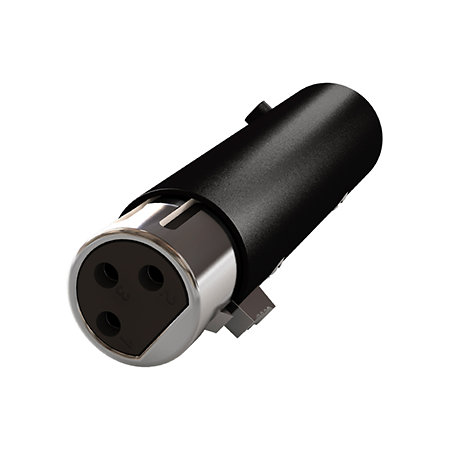
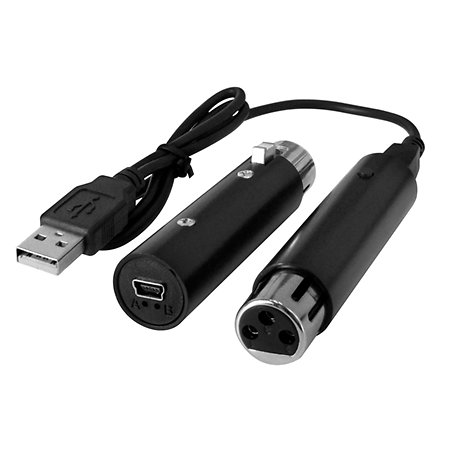
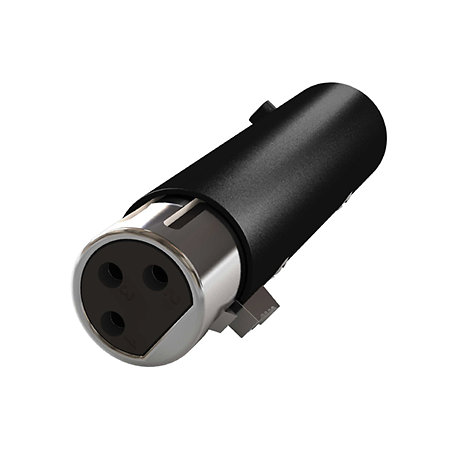


Sunlite - Sushi-Z1
29,17 €
excl VAT
In Stock
Shippable immediately
+infos
Guarantee 3
years

Anais
Do you need help?
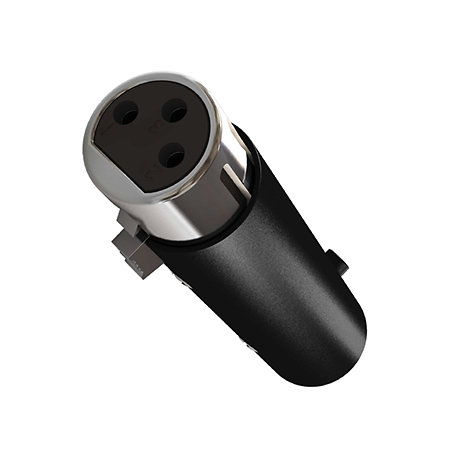
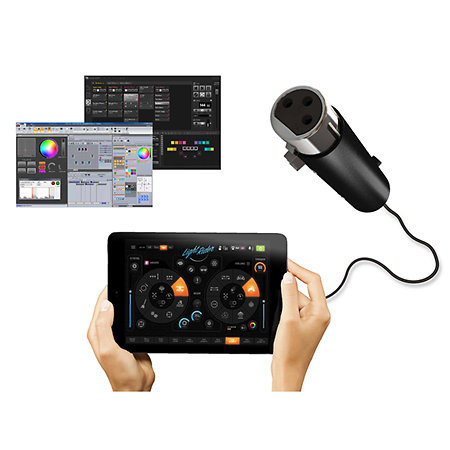
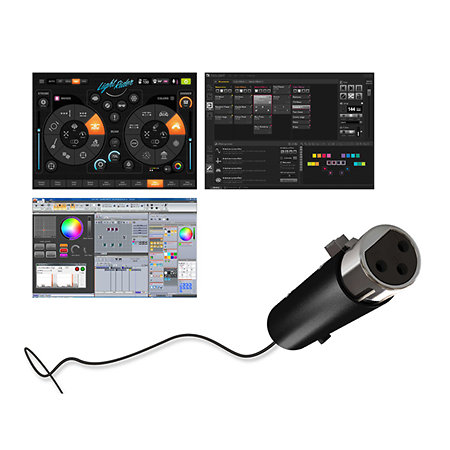
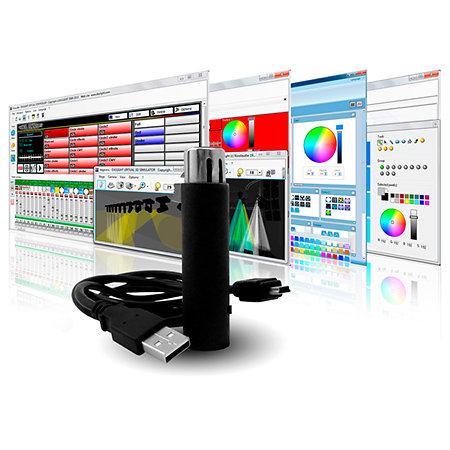
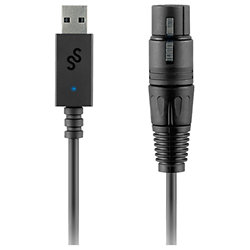
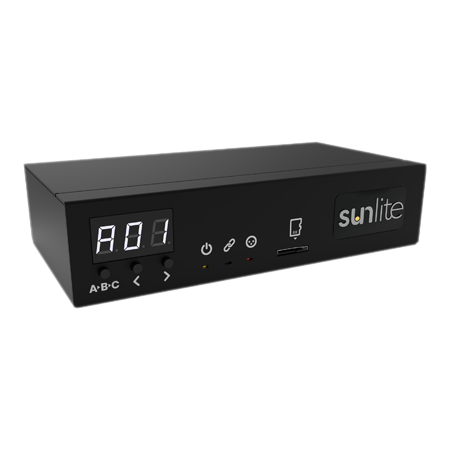
Intelligent USB DMX interface with 128 channels and 3 top software: Light Rider, Sunlite Suite 2 and Daslight 4 (1 YEAR License). The number of channels and software are upgradeable thanks to Sunlite Upgrade Technology (SUT). You have 12 months to compare and test the software and choose the one that suits you best!
ARTICLE N° 67316
Sunlite - Sushi-Z1
Sunlite - Sushi-Z1
29,17 €
excl VAT
In Stock
Shippable immediately
+infos
Guarantee 3
years
Anais
Do you need help?
Presentation
SUNLITE SUITE 2, Designed for theatre, shows, light sound, stage, events and clubs... Sunlite Suite sets the standard for professional DMX512 lighting control software.
DASLIGHT 4, Take your light show to a whole new level with Daslight's all-new DMX lighting software. This new generation of DMX software offers the ultimate design.
LIGHT RIDER (*), Take your light show to the next level. The Light Rider app for Android allows you to control your DMX lights without the need to program anything. Light Rider is essential for those who don't have time to spend hours programming scenes before a show.
* Works with USB OTG cable and Android only. (not iPad)
DASLIGHT 4, Take your light show to a whole new level with Daslight's all-new DMX lighting software. This new generation of DMX software offers the ultimate design.
LIGHT RIDER (*), Take your light show to the next level. The Light Rider app for Android allows you to control your DMX lights without the need to program anything. Light Rider is essential for those who don't have time to spend hours programming scenes before a show.
* Works with USB OTG cable and Android only. (not iPad)
Features
DMX universe
128
Windows system
Yes
Mac system
Yes
Other features
-
Sunlite Sushi-Z1
-
DMX/USB interface for lighting control software
-
Includes:
-
USB-DMX interface with Smart Upgrade Technology (SUT)
-
128 channels for live use (expandable to 512 + Arnet)
-
12 channels for standalone use (expandable to 512)
-
1-year license Light Rider app (android & amazon)
-
1-year license Daslight 4 software (Windows & Mac)
-
1-year license Sunlite Suite 2 software (Windows)
-
Lifetime license Easy Stand Alone 1 software (Windows)
-
Lifetime license Lumidesk express software (Windows)
To find out more...
Please note: 1-year licenses start from the date of registration and cannot be reactivated a second time after a return/repair/resale.
Some FAQS (Frequently Asked Questions)
1. Can I use an iPad or iPhone?
No, because SUSHI does not have wireless, wifi or bluetooth connectivity. SUSHI needs a computer or tablet with a USB port to communicate. It cannot connect via the Apple Lightning port.
2. Can I use a $49 Amazon Fire tablet and a Light Rider?
Yes, we recommend using a USB OTG cable with a Y-splitter power cable. This type of cable allows you to continuously power the Amazon Fire while using SUSHI even if the battery level does not increase.
3. Do you have software for Apple Mac?
Yes, Daslight 4 is available for Mac. You will need to use the included USB cable and download the software from www.dmxsoft.com. Sunlite Suite 2 and 3 are only available for Windows.
4. When does a 1-year software license start?
For licenses included with your product key code, they start on the day of first registration. When purchasing new software licenses, they will start on the day of purchase.
Attention. Attention: If you resell or give the package to someone else, the included 1-year licenses (Sunlite Suite 2, Daslight 4, Lightrider 1) cannot be taken back. The next owner will have all the time left on the 1-year licenses, if any.
5. Can I control 512, 1024 or 2048 channels?
Yes, the SUSHI comes with 128 DMX channels. You can expand it to 512 channels by adding 3 x 128 channel packs for $29 each. For more control, you can connect multiple SUSHIs or purchase an Arnet license to output to an Artnet node. Artnet universe licenses cost $99 each.
6. Can I use the software on different computers and tablets?
Yes, the licenses are stored in the SUSHI hardware. This allows you to install the same software/app multiple times, on different computers or tablets.
7. Can I use future software and apps with my SUSHI?
Yes, as new software and apps become available (e.g. Daslight 5, Light Rider 2, etc.), you will be able to purchase licenses in the DmxSoft store.
8. Can I control any type of DMX device?
Yes. With a library of over 15,000 fixture profiles, you can patch any fixture. If an SSL profile doesn't exist, you can ask our team to create one for you at www.dmxsoft.com/ssl.
Some FAQS (Frequently Asked Questions)
1. Can I use an iPad or iPhone?
No, because SUSHI does not have wireless, wifi or bluetooth connectivity. SUSHI needs a computer or tablet with a USB port to communicate. It cannot connect via the Apple Lightning port.
2. Can I use a $49 Amazon Fire tablet and a Light Rider?
Yes, we recommend using a USB OTG cable with a Y-splitter power cable. This type of cable allows you to continuously power the Amazon Fire while using SUSHI even if the battery level does not increase.
3. Do you have software for Apple Mac?
Yes, Daslight 4 is available for Mac. You will need to use the included USB cable and download the software from www.dmxsoft.com. Sunlite Suite 2 and 3 are only available for Windows.
4. When does a 1-year software license start?
For licenses included with your product key code, they start on the day of first registration. When purchasing new software licenses, they will start on the day of purchase.
Attention. Attention: If you resell or give the package to someone else, the included 1-year licenses (Sunlite Suite 2, Daslight 4, Lightrider 1) cannot be taken back. The next owner will have all the time left on the 1-year licenses, if any.
5. Can I control 512, 1024 or 2048 channels?
Yes, the SUSHI comes with 128 DMX channels. You can expand it to 512 channels by adding 3 x 128 channel packs for $29 each. For more control, you can connect multiple SUSHIs or purchase an Arnet license to output to an Artnet node. Artnet universe licenses cost $99 each.
6. Can I use the software on different computers and tablets?
Yes, the licenses are stored in the SUSHI hardware. This allows you to install the same software/app multiple times, on different computers or tablets.
7. Can I use future software and apps with my SUSHI?
Yes, as new software and apps become available (e.g. Daslight 5, Light Rider 2, etc.), you will be able to purchase licenses in the DmxSoft store.
8. Can I control any type of DMX device?
Yes. With a library of over 15,000 fixture profiles, you can patch any fixture. If an SSL profile doesn't exist, you can ask our team to create one for you at www.dmxsoft.com/ssl.
You may also like
User reviews
User reviews DMX Software
Sushi-Z1 Sunlite
/5
4 User reviews
Repartition des notes
Cliquer pour filtrer
FRANCK A
15/01/2026
5
/5
Buy Verified
RAS sérieux et rapide.
0
0
report
ANTOINE B
30/12/2025
5
/5
Buy Verified
Fait le boulot pour un prix très raisonnable, attention toutefois car les upgrades SUT peuvent rapidement coûter cher.
0
0
report
HENRI T
03/11/2025
5
/5
Buy Verified
Très pratique
0
0
report
MICHAEL L
07/10/2025
5
/5
Buy Verified
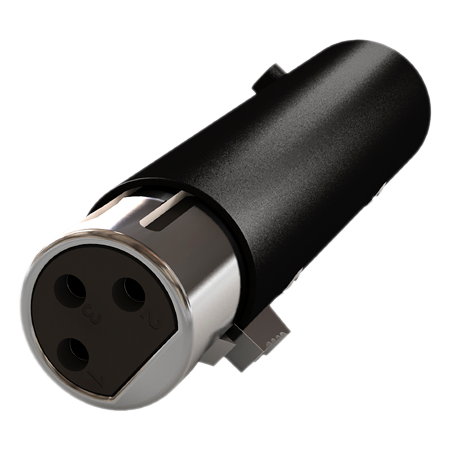
J'utilise le sushi z1 en usb sur mon mac. En entrée dmx (xlr) j'y connecte la sortie dmx xlr (avec un adapteur xlr femelle-femelle) de mon lightrider LR512 (qui est piloté par mon iPad), le but étant d'afficher la visualisation 3D du rendu lumineux de lightrider mais sur le Mac (via easyview Connect dont 1 an de licence est offert pour le sushi Z1). Il faut juste rajouter dans easyview sur mac toutes les fixtures qu'on avait creees sur lightrider iPad (on peut les télécharger depuis nicolaudie cloud en ssl2 pour importer dans easyview)
0
0
report
Spotlight on

One of the
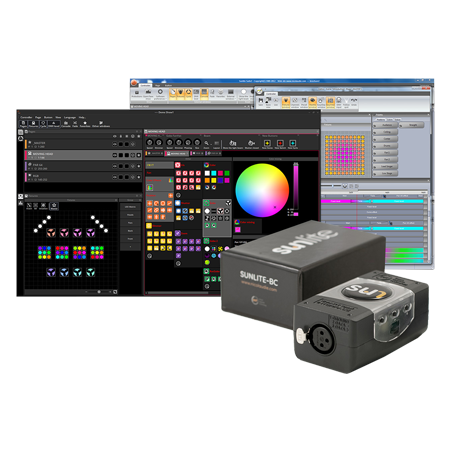
most complete and used lighting software remains Sunlite Suite 2. You
will easily pilot all your projectors
and create professional light shows thanks to the Sunlite DMX interface. If a projector is not listed on the Sunlite
library, no problems, it proposes you a fixture editor in which you will be
able to create your projectors and therefore pilot them with Sunlite.
Equivalent products

Sunlite - Sushi-Z1
29,17 € excl VAT