
FILTER
FILTER



Sonarworks - Apollo Monitor Correction Add-on
62,50 €
excl VAT
In Stock
Usually ships within 24h
+infos

Anais

Tristan
Do you need help?
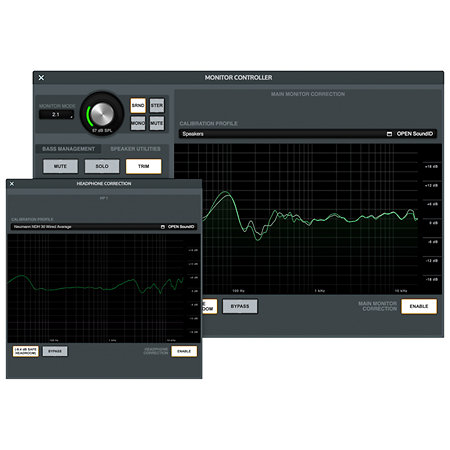
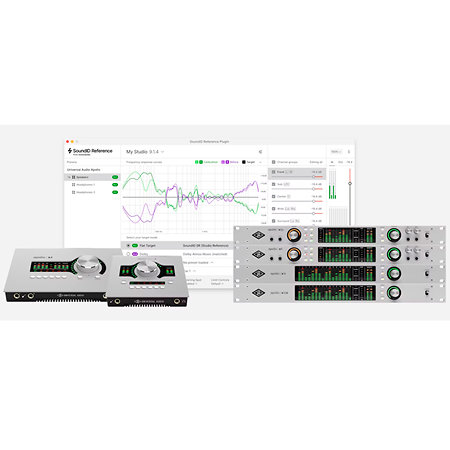
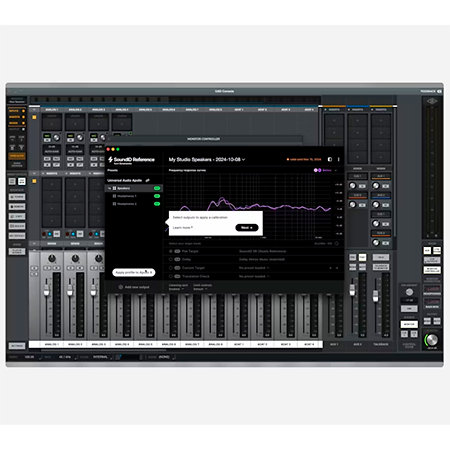
Sonarworks Apollo Monitor Correction Add-on. Seamless SoundID Reference integration for real-time sound correction on Apollo X Gen 1 and Gen 2. Downloadable license.
ARTICLE N° 99668
Sonarworks - Apollo Monitor Correction Add-on
Sonarworks - Apollo Monitor Correction Add-on
62,50 €
excl VAT
In Stock
Usually ships within 24h
+infos
Anais
Tristan
Do you need help?
Presentation
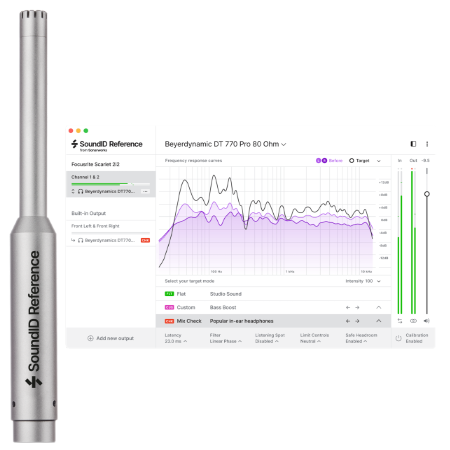
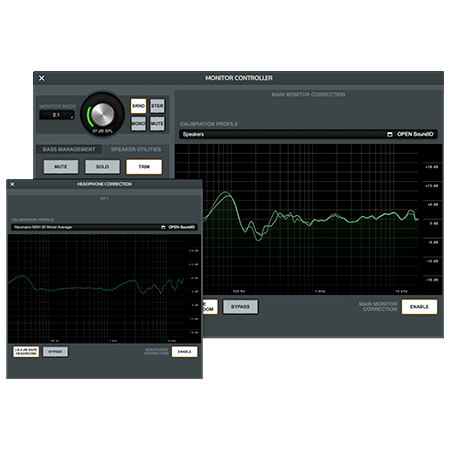
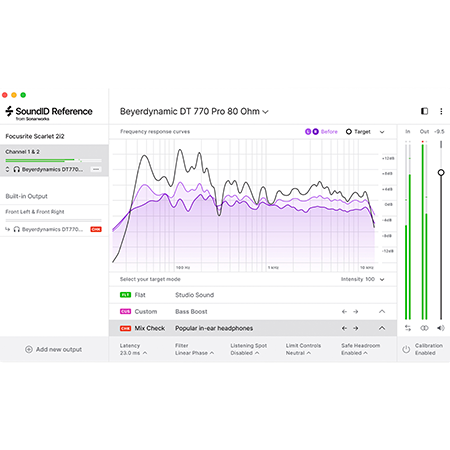
The Apollo Monicor Correction Add-on is the ultimate solution to calibrate your listening on Apollo X Gen 1 and Gen 2 with SoundID Reference.
Enjoy seamless integration of SoundID Reference on your Apollo X audio interface with the Monitor Correction add-on. This add-on, compatible with Windows and Mac, is the one you need if you already have an active SoundID Reference license. If not, opt instead to purchase a SoundID Reference license in a bundle with the Apollo Monitor Correction Add-on to save nearly 40% on the Add-on.
Enjoy seamless integration of SoundID Reference on your Apollo X audio interface with the Monitor Correction add-on. This add-on, compatible with Windows and Mac, is the one you need if you already have an active SoundID Reference license. If not, opt instead to purchase a SoundID Reference license in a bundle with the Apollo Monitor Correction Add-on to save nearly 40% on the Add-on.
Features
Downloadable version
Yes
Compatibility
MacOS, Windows
Packaging
Download License
Other features
-
Sonarworks Apollo Monitor Correction Add-on
-
Sonarworks reference: SWAPOLLO
-
Designed for Universal Audio Apollo X
-
Downloadable license: you will receive your code by email, with the invoice
-
SoundID Reference license not included
-
What's included:
-
Activation key for the Apollo Monitor Correction add-on license
-
Can be activated and used on 3 devices simultaneously
-
This product is only useful if you own and have activated one of these permanent SoundID Reference licenses:
-
SoundID Reference for Headphones - headphone profile integration
-
SoundID Reference for Speakers and Headphones - stereo headphone and speaker profile integration
-
SoundID Reference for Multichannel - multichannel headphone and speaker profile integration
-
Hardware requirements:
-
Have a compatible Universal Audio Apollo X digital audio interface:
-
Apollo X Gen 1: Apollo Twin X Duo/Quad, Apollo Twin X USB, Apollo x4, Apollo x6, Apollo x8, Apollo x8p, Apollo x16
-
Apollo X Gen 2: Apollo Twin X Duo/Quad, Apollo x4, Apollo x6, Apollo x8, Apollo x8p, Apollo x16, Apollo x16D
-
SoundID Reference 5.13 Computer Requirements:
-
macOS 11 Big Sur, 12 Monterey, 13 Ventura, 14 Sonoma
-
Windows 10, 11
-
UAD Console app v1.2.1 (or later) and UAD-2 software v11.5.1 (or later) installed
-
A stable internet connection (offline use not supported)
To find out more...
The integration will be released in Q4 2024 and will be available with the SoundID Reference 5.13 update. Please check back regularly for the updated version of the UAD console that will support this feature.
WARNING: Incompatible with Reference 3 or Reference 4.
SUPPORT:
- https://support.sonarworks.com/hc/en-us/articles/22177430114322-How-to-trial-and-activate-the-Apollo-Monitor-Correction-Add-on
- https://support.sonarworks.com/hc/en-us/articles/21839183300114-Applying-calibration-on-UA-Apollo-X-devices-profile-integration
- https://support.sonarworks.com/hc/en-us/articles/22127922069138-Calibrated-Bass-Management-with-UA-Apollo-X-integration
- https://www.sonarworks.com/soundid-reference/download
WARNING: Incompatible with Reference 3 or Reference 4.
SUPPORT:
- https://support.sonarworks.com/hc/en-us/articles/22177430114322-How-to-trial-and-activate-the-Apollo-Monitor-Correction-Add-on
- https://support.sonarworks.com/hc/en-us/articles/21839183300114-Applying-calibration-on-UA-Apollo-X-devices-profile-integration
- https://support.sonarworks.com/hc/en-us/articles/22127922069138-Calibrated-Bass-Management-with-UA-Apollo-X-integration
- https://www.sonarworks.com/soundid-reference/download
Videos
You may also like


Spotlight on

Equivalent products


Tops of the brand


Sonarworks - Apollo Monitor Correction Add-on
62,50 € excl VAT