
FILTER
FILTER
Loupedeck - Live
This product is no longer available for sale
These models in stock may be of interest to you:





165,83 €
excl VAT
including eco-part : 0,90 €
Guarantee 3
years

Anais

Tristan
Do you need help?
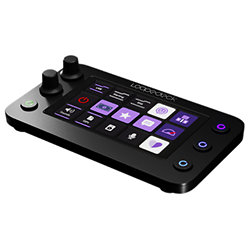
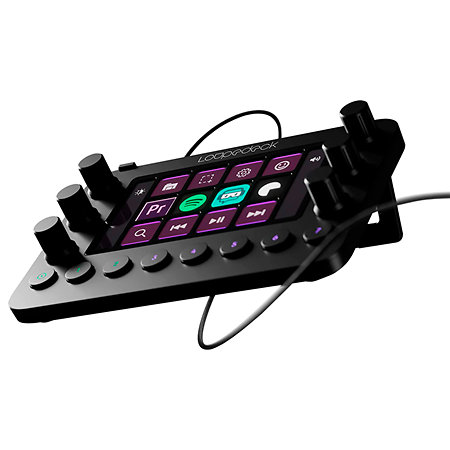
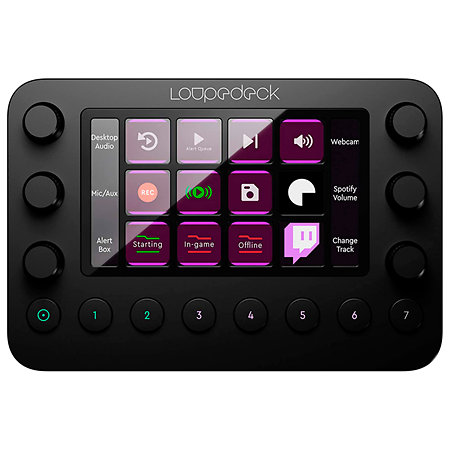
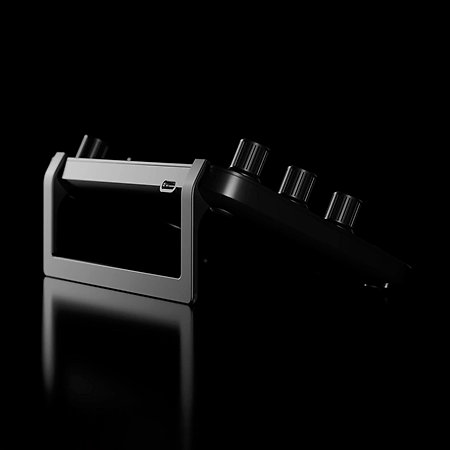
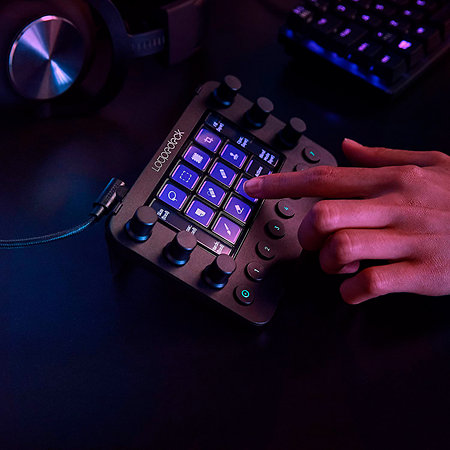
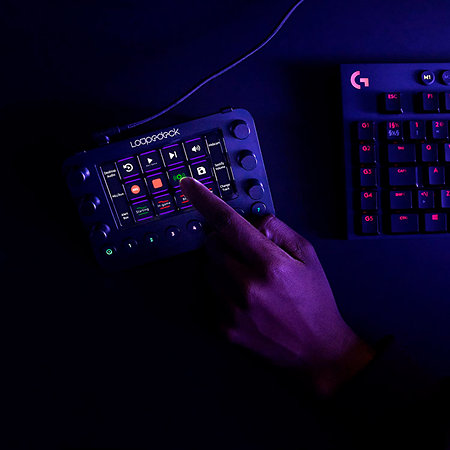
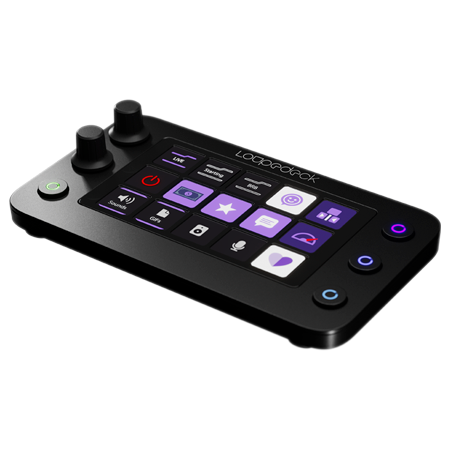
Loupedeck Live is an editing console that lets you create, edit and stream instantly and easily.
ARTICLE N° 82062
Loupedeck - Live
Loupedeck - Live
165,83 €
excl VAT
including eco-part : 0,90 €
Guarantee 3
years
Anais
Tristan
Do you need help?
Presentation
Loupedeck Live is an editing console that lets you create, edit and stream instantly and very simply.
Highlights of the LOUPEDECK Live editing console :
- Simultaneous use with keyboards, mice, editing tools, retouching and streaming
- Compact console
- Unlimited customisation
- Compatible with many creative/streaming software programs
- The possibilities for customisation are endless, giving you speed, precision and unlimited control to switch instantly from one tool to another.
- The compact size of this console means you can use it in the studio, on the move or at home, with instant access to all your tools for developing your various streams.
Native integrations with software such as Photoshop, Premiere Pro, Twitch, Streamlabs OBS and OBS Studio will save you considerable time.
Touch controls, customisable buttons, personalised profiles, LED backlighting and a top-of-the-range finish also make Loupedeck Live a great addition to any desktop.
With your editing console, you can also adjust the volume of your audio channels and microphone without taking your eyes off your game.
Highlights of the LOUPEDECK Live editing console :
- Simultaneous use with keyboards, mice, editing tools, retouching and streaming
- Compact console
- Unlimited customisation
- Compatible with many creative/streaming software programs
- The possibilities for customisation are endless, giving you speed, precision and unlimited control to switch instantly from one tool to another.
- The compact size of this console means you can use it in the studio, on the move or at home, with instant access to all your tools for developing your various streams.
Native integrations with software such as Photoshop, Premiere Pro, Twitch, Streamlabs OBS and OBS Studio will save you considerable time.
Touch controls, customisable buttons, personalised profiles, LED backlighting and a top-of-the-range finish also make Loupedeck Live a great addition to any desktop.
With your editing console, you can also adjust the volume of your audio channels and microphone without taking your eyes off your game.
Features
Application
Edition, Content creation, Video / broadcast
Compatibility
MacOS, Windows
Screen
Touchscreen
USB port
Yes
Power supply
Via USB bus
Connectors
null
Packaging
Single unit
Other features
-
Loupedeck Live
-
Control panel for streamers and content creators
-
Compatible with keyboard, mouse, editing and streaming tools
-
Compact, ideal for all mobile desktop configurations
-
Unlimited customisation
-
Supports the most popular authoring software and streaming applications
-
Profiles available for the most popular creative applications
-
USB-C port
-
Includes 8GB internal storage
-
Operating system: macOS X 10.14 (or later) and Windows 10
To find out more...
Built-in native plug-ins: Loupedeck Live offers a number of native plug-ins and ready-to-use profiles so you can get started straight away. You can also create your own custom profiles for the software and applications of your choice, such as :
Streamlabs OBS (Win)
OBS Studio
Twitch
Spotify Premium
Philips Hue Bridge
Adobe Lightroom Classic
Adobe Photoshop with Camera Raw
Adobe Premiere Pro
Adobe After Effects
Adobe Illustrator
Adobe Audition
Final Cut Pro X (v. 10.0) (MacOS)
Ableton® Live™ (v.10.0)
Capture One Pro (MacOS)
Streamlabs OBS (Win)
OBS Studio
Twitch
Spotify Premium
Philips Hue Bridge
Adobe Lightroom Classic
Adobe Photoshop with Camera Raw
Adobe Premiere Pro
Adobe After Effects
Adobe Illustrator
Adobe Audition
Final Cut Pro X (v. 10.0) (MacOS)
Ableton® Live™ (v.10.0)
Capture One Pro (MacOS)
Videos
User reviews
User reviews Control Surface
Live Loupedeck
/5
2 User reviews
DIMITRI R
01/05/2025
4
/5
Buy Verified
Très bon produit, robuste
0
0
report
NATHALIE C
27/02/2025
5
/5
Buy Verified
Juste un bémol, il est impossible de le connecter avec Première Pro. Il faudrait installer un plugin ? Que ne trouve pas... c'est dommage !!!
0
0
report
Spotlight on

Equivalent products

Tops of the brand
Loupedeck - Live
165,83 € excl VAT