FILTER
FILTER

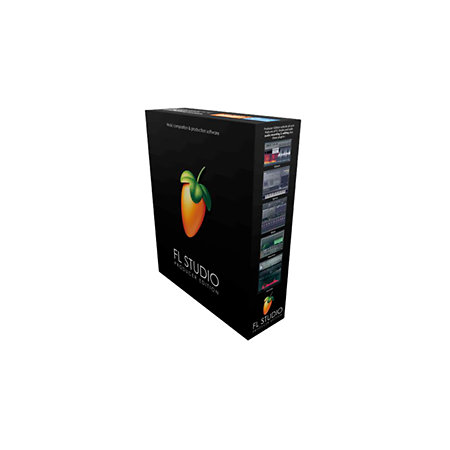
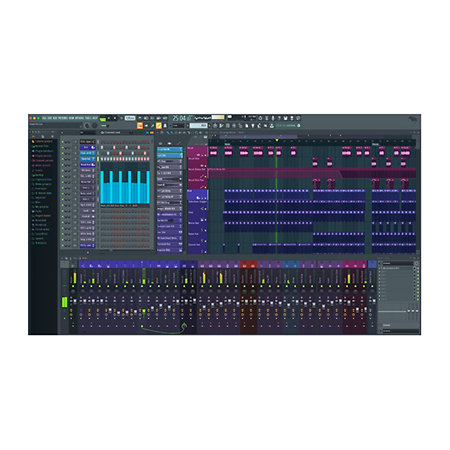


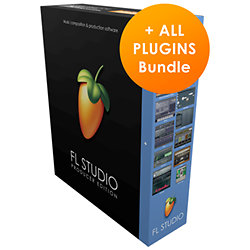
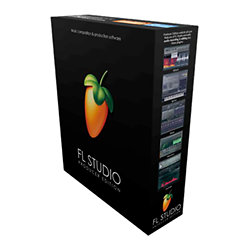
Image Line - FL Studio Producer Edition (licence)
Best of
179,17 €
excl VAT
In Stock
Usually ships within 24h
+infos

Anais

Tristan
Do you need help?
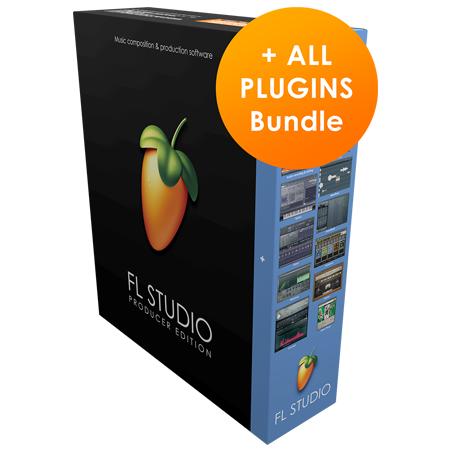
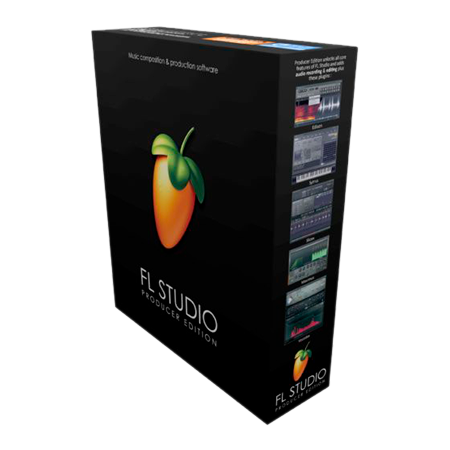
FL Studio FL21 Producer Edition is a powerful and versatile digital audio workstation ideal for professional music producers. It includes 28 instruments, 50 effects, a 100-track mixer, and advanced features such as step sequencing and external MIDI control. Compatible with macOS and Windows, this edition offers exceptional flexibility and efficiency for creative work, with a digital license that includes free lifetime updates.
ARTICLE N° 62360
Image Line - FL Studio Producer Edition (licence)
Image Line - FL Studio Producer Edition (licence)
Best of
179,17 €
excl VAT
In Stock
Usually ships within 24h
+infos
Anais
Tristan
Do you need help?
Presentation
FL Studio 21 Pro Edition recording software is a multi-track audio recorder for Mac and PC that comes with a comprehensive pack of 80 plug-ins including instruments and effects.
FL Studio 21 DAW now supports multiple time signatures so you can set different ones in arrangements or sequences in the FL Channel Rack, used to produce clips that make up the song.
There are now three ways to consolidate audio, that is, convert MIDI tracks to audio to save CPU. You can do this per track; choose a selection of clips in a song, or render and replace patterns in a track.
FL Studio 21 offers great ways to manage arrangements, that is, the song in a playlist, so you can easily create multiple versions for remixing, for example.
The FL21 studio recording software Playlist has more features, including hiding groups of tracks (useful since the number of tracks has increased from 199 to 500).
The FL Studio 21 Producer Edition mixer is very easy to combine with the playlist. It also has automation features and the ability to group tracks.
FL Studio 21 DAW now supports multiple time signatures so you can set different ones in arrangements or sequences in the FL Channel Rack, used to produce clips that make up the song.
There are now three ways to consolidate audio, that is, convert MIDI tracks to audio to save CPU. You can do this per track; choose a selection of clips in a song, or render and replace patterns in a track.
FL Studio 21 offers great ways to manage arrangements, that is, the song in a playlist, so you can easily create multiple versions for remixing, for example.
The FL21 studio recording software Playlist has more features, including hiding groups of tracks (useful since the number of tracks has increased from 199 to 500).
The FL Studio 21 Producer Edition mixer is very easy to combine with the playlist. It also has automation features and the ability to group tracks.
Other features
-
FL Studio FL21 Producer Edition
-
Downloadable license: you will receive your serial by email with the invoice
-
Pack of 28 Instruments and 50 Effects
-
Support for time signatures
-
Improved delay compensation
-
Graphic editor in the step editor
-
Playlists allowing you to work on several versions of the same project
-
Import / export MIDI files
-
External MIDI control
-
Virtual mixer with 100 stereo tracks
-
Piano roll with chords & slides
-
Step sequencer
-
Unlimited Instrument Channels
-
Access to pattern and clip lists
-
Recording and editing of Automations
-
Internal modulators
-
Supports ASIO, VST/2/3 & DX, WAV, MP3, OGG drivers
-
Projects made on Mac and Windows inter-compatible. - Free lifetime update
-
Compatibility:
-
macOS: 10.11 or newer
-
WINDOWS: 7, 8, 10 or newer
-
FL Studio 21 or newer box contents:
-
Installation instructions on a web page
-
Printed quick start guide
-
Registration code (no media, such as USB stick or other media is provided to install the software, which must therefore be downloaded entirely from the publisher's website)
To find out more...
New Key Features:
Mac Version - FL Studio is now available as a native 64-bit macOS application. Including support for Mac VST and AU plugins. Projects made on Mac and Windows are cross-compatible. Project interoperability extends to third-party plugins installed on both platforms. Lifetime Free Updates and new users can unlock FL Studio for Mac and Windows at no additional cost.
Time Signatures - FL Studio now supports unlimited time signature changes, independently, in both the Playlist and Patterns (Piano Rolls). FL Studio's unique pattern system allows multiple time signatures to be applied simultaneously at any point in the Playlist.
In-situ rendering ('freezing') - FL Studio now allows for bouncing of multiple audio clips as well as Patterns. For example, you can: Consolidate Playlist Clip Selections, Consolidate Playlist Tracks, Restore Clips to Audio, Restore Clips to Audio, and Replace Source Pattern Clips. Use these features to compile audio takes into a single audio clip, reduce CPU load by converting real-time synthesis and effects processing to audio, or convert MIDI data to audio for further processing and resynthesis.
Arranging Playlists - The Playlist now supports multiple "Arrangements" (Playlists). Each Arrangement is the complete layout of audio, automation, and Pattern clips. Users can now work with multiple versions of their project by saving ideas, sound designs, and "arrangements".
Plugin Delay Compensation (PDC) - PDC (Delay Compensation) and Auto-PDC have been completely rebuilt to support today's complex workflows. Manual and Auto-PDC can now coexist. Updates include: Mixer Send Compensation, Wet/Dry Mix Effects Compensation, Audio Input Compensation, Metronome Compensation, Plugin Wrapper custom values remembered per plugin, and improved PDC controls in the Mixer.
Mac Version - FL Studio is now available as a native 64-bit macOS application. Including support for Mac VST and AU plugins. Projects made on Mac and Windows are cross-compatible. Project interoperability extends to third-party plugins installed on both platforms. Lifetime Free Updates and new users can unlock FL Studio for Mac and Windows at no additional cost.
Time Signatures - FL Studio now supports unlimited time signature changes, independently, in both the Playlist and Patterns (Piano Rolls). FL Studio's unique pattern system allows multiple time signatures to be applied simultaneously at any point in the Playlist.
In-situ rendering ('freezing') - FL Studio now allows for bouncing of multiple audio clips as well as Patterns. For example, you can: Consolidate Playlist Clip Selections, Consolidate Playlist Tracks, Restore Clips to Audio, Restore Clips to Audio, and Replace Source Pattern Clips. Use these features to compile audio takes into a single audio clip, reduce CPU load by converting real-time synthesis and effects processing to audio, or convert MIDI data to audio for further processing and resynthesis.
Arranging Playlists - The Playlist now supports multiple "Arrangements" (Playlists). Each Arrangement is the complete layout of audio, automation, and Pattern clips. Users can now work with multiple versions of their project by saving ideas, sound designs, and "arrangements".
Plugin Delay Compensation (PDC) - PDC (Delay Compensation) and Auto-PDC have been completely rebuilt to support today's complex workflows. Manual and Auto-PDC can now coexist. Updates include: Mixer Send Compensation, Wet/Dry Mix Effects Compensation, Audio Input Compensation, Metronome Compensation, Plugin Wrapper custom values remembered per plugin, and improved PDC controls in the Mixer.
You may also like




User reviews
User reviews Sequencer / Recorder Software
FL Studio Producer Edition (licence) Image Line
/5
3 User reviews
Repartition des notes
Cliquer pour filtrer
TONI H
16/01/2021
3
/5
Buy Verified
Le chemin du téléchargement du logiciel est laborieux
1
0
report
YANN M
12/06/2020
5
/5
Buy Verified
Parfait
0
0
report
GEOFFREY B
10/03/2020
5
/5
Buy Verified
Nickel
0
0
report